


ionic 切换开关操作
来看这个例子:切换不同开关的 checked 状态后,会显示对应的不同数值,其中 true 表示开启,false 表示关闭。 HTML 代码 开关切换 Settings {{ item.text }} Notifications Push Notifications Newsletter 考虑到 p
来看这个例子:切换不同开关的 checked 状态后,会显示对应的不同数值,其中 true 表示开启,false 表示关闭。

HTML 代码
  开关切换


      Settings


      {{ item.text }}


      Notifications


      Push Notifications


      Newsletter
考虑到 pre 标签会产生冲突,示例里已经将原本的 pre 统一替换成了 div 标签,具体效果可以在"尝试一下"里直接查看。
Ja vaScript 代码
angular.module('ionicApp', ['ionic'])
.controller('MainCtrl', function($scope) {
$scope.settingsList = [
    { text: "Wireless", checked: true },
    { text: "GPS", checked: false },
    { text: "Bluetooth", checked: false }
  ];
$scope.pushNotificationChange = function() {
    console.log('Push Notification Change', $scope.pushNotification.checked);
  };
$scope.pushNotification = { checked: true };
  $scope.emailNotification = 'Subscribed';
});
css 代码:
body {
  cursor: url('http://www.runoob.com/try/demo_source/finger.png'), auto;
}
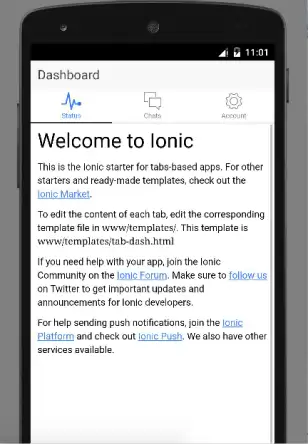
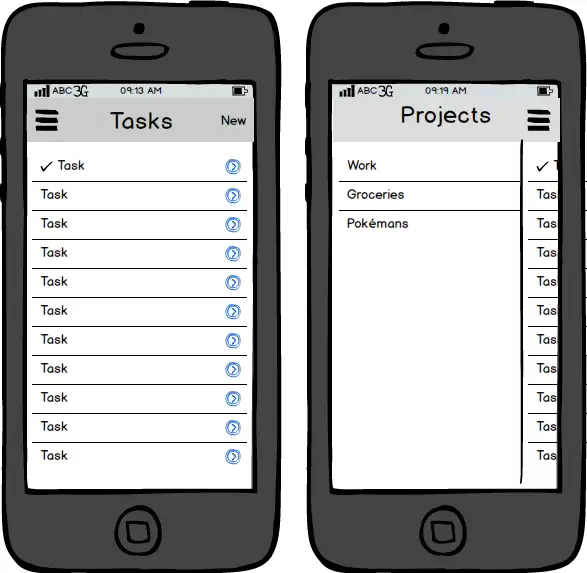
效果如下所示:












火山引擎是字节跳动旗下企业级云与AI服务平台。聚焦大模型核心能力,依托字节自研豆包多模态大模型,凭借火山方舟一站式平台,提供模型精调、推理部署、智能应用搭建等全链路服务,结合高性能AI算力,助力各行业快速落地大模型数字化与智能化应用。








AirBuddy 3 是面向 macOS 的蓝牙外设增强工具,可集中查看 AirPods、Beats 与苹果设备电量,提供快速连接、播放控制、电量提醒、桌面小组件和多台 Mac 外设接力等功能。

AirServer macOS版可把 Mac 转换为无线投屏接收端,通过 AirPlay 或 Google Cast 接收手机、平板和电脑画面,并支持多设备同时连接、高清镜像及会话录制,适合家庭娱乐、课堂教学、会议演示和应用展示。



Autodesk Maya 是面向影视、电视、动画和游戏行业的专业三维制作软件,集多边形与 NURBS 建模、角色绑定、关键帧和动作捕捉动画、Bifrost 特效模拟、材质开发及 Arnold 渲染于一体,

AirServer Windows版可把电脑变成AirPlay、Google Cast和Miracast无线投屏接收端,适合会议演示、课堂教学及家庭大屏分享。发送设备通常无需另装客户端,并可同时接收和智能排列多个镜像会话。