


javascript fckeditor编辑器取值与赋值实现代码
FCKeditor开发中,三个核心API函数最常用:getEditorHTMLContents获取规范化XHTML,getEditorTextContents获取纯文本(丢弃HTML标签),SetEditorContents设置内容。参数EditorName为实例名称,调用时直接传入字符串即可。这些函数分别用于读写编辑器内容,是开发基础操作。
在FCKeditor的开发中,经常需要与编辑器实例进行交互,比如获取或设置其内容。下面这三个函数就是最常用的API调用,直接复制到你的项目里就能用,省去每次手写重复代码的麻烦。
function getEditorHTMLContents(EditorName)
{
    var oEditor = FCKeditorAPI.GetInstance(EditorName);
    return(oEditor.GetXHTML(true));
}

function getEditorTextContents(EditorName)
{
    var oEditor = FCKeditorAPI.GetInstance(EditorName);
    return(oEditor.EditorDocument.body.innerText);
}

function SetEditorContents(EditorName, ContentStr)
{
    var oEditor = FCKeditorAPI.GetInstance(EditorName) ;
    oEditor.SetHTML(ContentStr) ;
}
三个函数分别对应:获取HTML内容、获取纯文本内容、设置编辑器内容。参数EditorName就是你在页面上初始化FCKeditor时指定的那个实例名称。注意getEditorHTMLContents返回的是经过XHTML规范化的代码,而getEditorTextContents直接取innerText,会丢掉所有HTML标签。设置内容时用SetHTML,直接传入字符串即可。














AirBuddy 3 是面向 macOS 的蓝牙外设增强工具,可集中查看 AirPods、Beats 与苹果设备电量,提供快速连接、播放控制、电量提醒、桌面小组件和多台 Mac 外设接力等功能。

AirServer macOS版可把 Mac 转换为无线投屏接收端,通过 AirPlay 或 Google Cast 接收手机、平板和电脑画面,并支持多设备同时连接、高清镜像及会话录制,适合家庭娱乐、课堂教学、会议演示和应用展示。

Beamer 4是面向macOS的本地视频投屏工具,可将Mac中的影片投放到Apple TV、Chromecast及兼容设备,支持常见格式、多类字幕、环绕声、播放列表和电视遥控操作。
Boom 3D macOS版是一款系统级音效增强工具,可为音乐、电影、游戏和流媒体提供3D虚拟环绕声、31段均衡器、音量增强及应用独立音量控制,并支持本地播放器与多种音频输出设备。

Boris FX macOS版是一套面向剪辑、合成、调色及动态图形工作的专业后期工具,涵盖视觉特效、平面与三维跟踪、转描、画面修复、粒子动画和音频清理,可配合多种主流宿主软件使用。
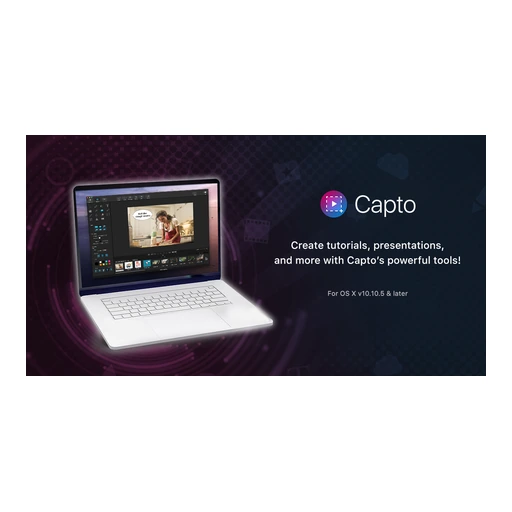
Capto 是面向 macOS 的屏幕截图、高清录屏与媒体编辑工具,支持区域及整屏捕获、网页长截图、双音轨处理、图片和视频标注、素材分类与多渠道分享,适合教师、学生、内容创作者及需要制作演示教程的用户。


Cursor Crane 是一款仅面向 macOS 的键盘操控效率工具,可通过提示标签、网格、文字查找和窗口模式完成点击、滚动、定位与切换,并支持屏幕内容提取、脚本及工作流扩展。
Deep Freeze 冰点还原 macOS版通过冻结系统配置,让受保护的Mac在重新启动后回到预设状态,并提供解冻空间、维护计划、密码保护及Apple Remote Desktop管理能力。
Focusky macOS版是一款面向教学课件、商务汇报、产品展示和动画宣传内容的演示制作工具。它通过无限画布、路径编排、缩放旋转转场及多媒体编辑,将传统逐页幻灯片转化为更具空间感的动态演示。
Folder Colorizer 2 macOS版是一款直观的文件夹外观定制工具,可更换颜色,添加表情、贴纸及图片背景,并支持批量处理、智能推荐和恢复默认样式,帮助用户更快辨认工作、学习与生活资料。


AirServer Windows版可把电脑变成AirPlay、Google Cast和Miracast无线投屏接收端,适合会议演示、课堂教学及家庭大屏分享。发送设备通常无需另装客户端,并可同时接收和智能排列多个镜像会话。
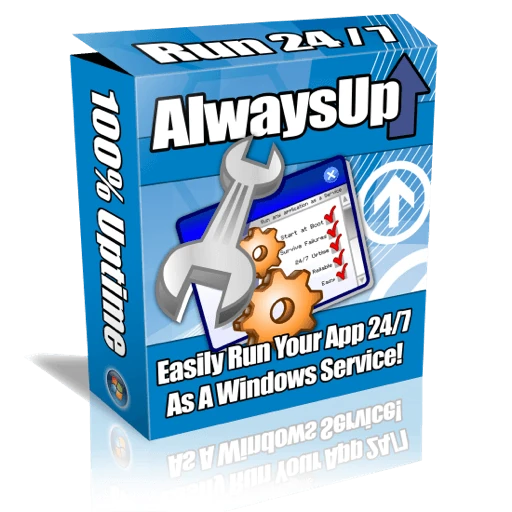
AlwaysUp是一款面向Windows的系统服务注册与程序托管工具,可让普通应用、脚本及批处理在无人登录时随系统启动,并通过状态检测、异常重启、资源监控和邮件通知保障关键任务持续运行。

AnyDesk Windows版是一款轻量化远程桌面与技术支持工具,可用于控制异地电脑、传输文件、远程打印及无人值守访问。它兼顾连接响应、安全权限和部署灵活性,适合个人远程办公、企业设备维护与客服支持。
Boom 3D Windows版是一款面向音乐、电影和游戏场景的系统级音效增强工具,支持虚拟3D环绕声、31段均衡器、预设音效、应用音量控制及本地音乐播放,可配合耳机、扬声器和蓝牙耳机使用。

Boris FX Windows版是一套服务于影视剪辑、视觉特效、运动跟踪、转描、图像修饰及音频修复的专业创作工具集合,可作为插件接入多种主流后期宿主,也包含可独立运行的应用,适合剪辑师、特效师与内容创作者使用。

ChemDraw Windows版是一款面向化学研究、药物研发、材料科学和教学工作的专业结构绘图工具,可快速绘制分子、反应式及生物聚合物,并提供结构整理、格式转换、性质计算和科研文档协作能力。

CODESOFT Windows版是一套企业级条码与RFID标签设计打印工具,可连接Excel、Access、SQL及云端数据源,支持变量、表单、GS1条码、数据库记录和多种工业打印机,适合制造、仓储、物流及合规标识场景。

Deep Freeze 冰点还原 Windows版通过重启恢复技术保护系统盘及指定分区,自动撤销恶意程序、误操作和配置漂移造成的改动,并支持密码保护、解冻空间与多硬盘管理,适合学校机房、公共电脑、办公终端及家庭电脑使用。
EDIUS 11 Windows版是一款面向影视制作、广播电视、纪录片、短视频及教育机构的专业非线性编辑工具,支持4K/8K、多格式混编、HDR调色、字幕、音频处理和后台渲染,并提供素材管理及丰富的导出预设。

FastStone Capture Windows版是一款轻量级屏幕捕捉、录屏与图像编辑工具,可截取窗口、区域、菜单和滚动页面,并提供标注、模糊、取色、OCR、录音录像及多格式导出能力,适合办公说明、教程制作和问题反馈。
Focusky Windows版是一款动画演示与交互课件制作工具,通过无限画布、缩放旋转镜头、模板素材和对象动画组织内容,可导入PPTX,并输出视频、EXE、PDF、网页等格式,适用于课堂教学、微课、商务汇报及产品展示。